Google Business Profile for Fire Alarm Companies: The Full Setup
Claim your profile under a company account, hide your address, use the name on your trucks, pick the category that says what you are, and fill in every field honestly.
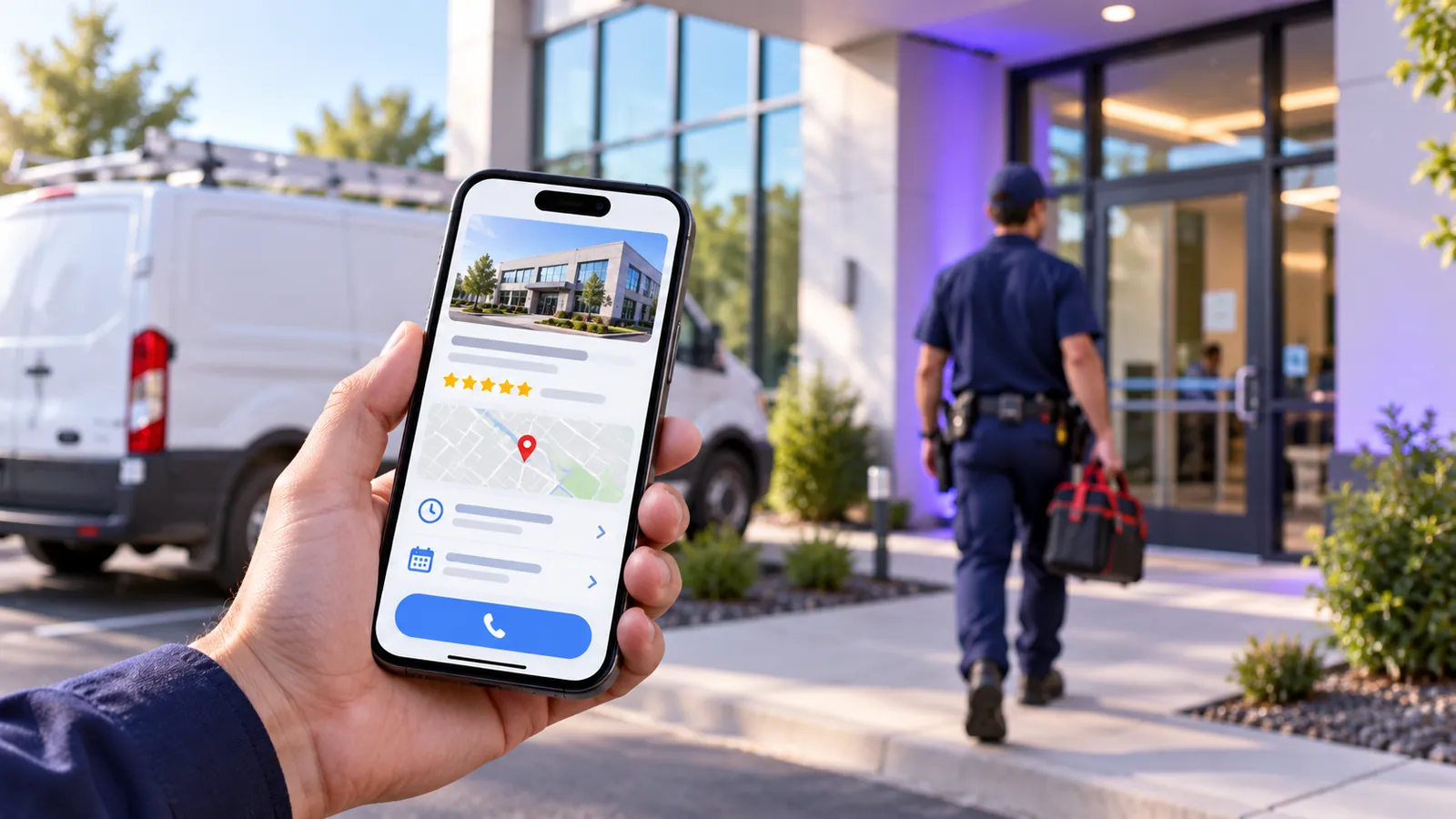
An owner sits in his truck outside a customer’s building, twenty minutes from the shop, and searches “fire alarm inspection” on his phone. Three companies show up on the map, and when he pulls up his own profile by name, the category says “Fire alarm supplier,” the pin sits on his house, and it reads “Closed” on a Tuesday afternoon because nobody filled in the hours.
- Claim the existing profile under a company Google account and plan your verification video.
- Hide your address and list up to 20 cities or ZIP codes within about two hours of the shop.
- Use your real business name and pick “Fire protection service” or the closest true category.
- List each service, keep real hours and photos, and don’t plan around chat or Q&A.
Claim the profile under a company Google account, set it up as a service-area business with the address hidden, and get verified. Use your real business name, pick “Fire protection service” or the closest specific category as your primary, then list your services, set hours you keep, and add real photos. Google says local results are “mainly based on relevance, distance, and popularity,” and the fields you fill in feed relevance directly. Set it up the way the business really works.
It’s a core piece of marketing for fire alarm companies, and our fire alarm marketing guide explains why the profile comes first.
Claim the profile under a company account and get verified
Google’s guidelines say “There should only be one profile per business.” Search your company name on Google and Maps first, and claim what already exists. When did you last look at your listing the way a customer sees it?
Make a company-owned Google account the primary owner, not a technician’s personal Gmail. Google’s access rules give owners “full control over the profile,” while managers “can’t add or remove users or remove the profile.” Add a second owner from inside the company, give outside help manager access, and if an old vendor holds the profile, request ownership.
You don’t pick how you verify: “Verification methods are automatically determined by Google and can’t be changed.” Expect video. The video rules call for “An unedited, unique, and complete recording with no breaks” that is “At least 30 seconds long.” Start at a street sign near your address, unlock a branded van, show the test equipment, and end on a license or invoice with the exact business name. Leave the name, address and categories alone until it clears.
Hide the address and list the areas you really cover
“If you’re a service-area business, you should hide your business address from customers,” Google says. Show it only if the location is “staffed by your team and able to receive customers during its stated hours.” Don’t rent a virtual office in a bigger city to get a pin there; it isn’t eligible.
Google allows “up to 20 service areas based on the cities, postal codes, or other areas you serve,” and says “The boundaries of your overall area shouldn’t be more than about 2 hours of driving time from where your business is based.” You “can’t set your service area as a radius distance around your business.”
Now, hiding the address has a cost: Whitespark’s survey of 47 local search experts ranks “Physical Address in City of Search” fourth for the map results. And listing a town won’t make you rank there. City pages on your website do that work.
Use the name on your trucks
Google wants your “real-world name, as used consistently on your storefront, website, stationery, and as known to customers,” and warns that “Including unnecessary information in your business name isn’t permitted, and could result in the suspension of your Business Profile.”
You see, the agency survey ranks keywords in the business name third, so the temptation makes sense. But a competitor can report a stuffed name, and a suspension costs more calls than the keywords earned. Are a few extra words worth that risk? If “Fire Protection” is already on your signage, keep it. Don’t add “Fire Alarm Inspection,” a city, or “24/7.”
Pick one primary category, then add only a few
“The categories you select affect your local ranking on Google,” says Google’s category page, and “You can’t create your own category.” Pick ones that “complete the statement: ‘This business IS a’ rather than ‘this business HAS a.’” The agency survey ranks primary category first.
Well, Google publishes no official category list, so choose from the names its own category box offers as you type. Third-party copies of the list show no “fire alarm contractor” category. For a company that installs, inspects and services alarm systems, “Fire protection service” is usually the right primary. “Fire alarm supplier” fits a business that sells equipment.
Add “Security system installation service” only if you install security systems, a supplier category only if you sell equipment over the counter, and “Electrician” only if you do licensed electrical work. Google says “Use as few categories as possible.” Set it up the way the business really works.
List every service and write a plain description
Google lets you “create and add custom services options,” and a matching search means “that service may be highlighted on your profile.” Add fire alarm inspection and testing, installation, monitoring, deficiency repair, panel replacement and anything else you really sell, each with one line in the buyer’s words. The full pitch for inspection contracts and deficiency repair belongs on your website.
For the description, Google asks for “What you offer,” “What makes you special,” and “How long you’ve been in business,” and says “Do not exceed 750 characters.” No links. Point the website field at your homepage, keep the main number one the office answers, and if a booking link option appears, aim it at your inspection request form. Local Services Ads use a separate profile.
Keep real hours and real photos, and don’t count on chat
Google asks you to “Provide your regular customer-facing hours of operation.” List 24/7 only if a person picks up at 3 a.m.; the after-hours question has its own post. The agency survey ranks “Business is Open at Time of Search (Business Hours)” fifth.
Upload a logo, a cover photo, branded vehicles, technicians at panels and finished installs. Google’s photo page says “the image should represent reality,” so skip stock. The survey puts posts near the bottom of its 187 factors, so a post once or twice a month is plenty.
A 2024 Google notice says “As of July 31, 2024, the chat and call history features are no longer available.” BrightLocal reports “Google has now officially discontinued Q&A, replacing it with an AI-powered experience called Ask Maps,” though Google’s own edit page still calls Q&A “available only for select business categories and regions.” Put your FAQs on your website, where those AI answers can find them.
Earn reviews honestly and stay out of suspension
Google says “More reviews and positive ratings can help your business’s local ranking.” Our post on commercial reviews covers how to ask. Never buy reviews or offer anything for them.
If the profile gets suspended, fix the cause, gather your contractor license and a utility bill in the exact business name, and use Google’s appeal tool. “Appeals can only be submitted once,” so make it a careful one.
Do it yourself, or have us do it
Claim the profile, get verified, hide the address and set service areas. Fix the name and category, add services, then set hours, photos and a review routine.
Or hand it off: request the audit below and we’ll show you what your profile is missing. Our Google Business Profile service covers the rest.
Start with your own profile
Pull up your profile on your phone. Check four things: the name matches your trucks, the primary category says what you are, your home address isn’t showing, and the hours match when someone answers. Fix whichever is wrong first. Set it up the way the business really works. Then look at it the way a buyer would.
Common questions
Should a fire alarm company show its office address on Google?
Only if customers come to a staffed office with permanent signage during your hours. Otherwise hide it and list up to 20 service areas within about two hours’ drive.
Can we put “fire alarm” or our city in our Google business name?
Only if it’s part of your real name on signage and paperwork. Extra words can get the profile suspended.
What is the best Google Business Profile category for a fire alarm company?
For most alarm contractors, it’s “Fire protection service” as the primary, plus a few extra categories only where they describe what the business is.
Can customers still message us or ask questions on our Google profile?
Chat ended July 31, 2024, and Q&A is being replaced by AI answers. Put your FAQs on your website.
Keep reading

How to Get More Reviews From Commercial Fire Alarm Customers
Ask for a Google review when the inspection report or repair close-out goes out, send one direct link to the building’s manager, and reply to every review.
Service-Area Pages Without Google’s Doorway Penalty
City pages can help a fire alarm company rank, or get flagged as doorway pages. The difference is local substance, starting with how each fire department wants inspection reports filed.

How Fire Alarm Companies Win More Inspection Contracts
Give inspections their own page, list them on your Google Business Profile, ask for a review with every report, and show the filing rules for each city you serve.
Send us the site. We’ll send back what’s wrong with it.
One document, no call required, inside two business days. Nothing to sit through first.