

What a Fire Alarm Company Website Needs to Do
A fire alarm company’s website has four jobs: say what you do and where, give each service its own page, prove you’re qualified, and make calling easy on a phone.
A property manager has two tabs open on her phone. One site says “Complete Life Safety Solutions” over a stock photo of flames. The other says “Fire Alarm Inspection, Monitoring, and Repair in Tampa” with a call button under it. She doesn’t read past the first line of either. She calls the second one.
- Say what you do and where on the first screen; Nielsen Norman Group found the first 10 seconds decide whether many visitors stay.
- Give every service its own page, and build the menu around what buyers search for.
- Show proof a buyer can check: licenses, NICET levels, local work, and reviews.
- Make calling easy on a phone, and keep the site fast, accessible, and easy for search engines and AI tools to read.
A fire alarm company’s website has four jobs. Tell a buyer in a few seconds what you do and where. Give each service its own page. Prove you’re qualified with credentials, local work, and reviews. And make calling easy on a phone. Underneath all four, the site has to load fast, work for everyone, and be clear to search engines and AI tools. A website’s job is the phone call.
This is how we approach web design for fire and security contractors, and it’s the website side of our guide to marketing a fire alarm company. Each section below links to a post that covers its piece in full.
Pass the five-second test
People decide fast. Nielsen Norman Group’s 2011 analysis of page visits found that people often leave within 10 to 20 seconds, and that “you must clearly communicate your value proposition within 10 seconds.” For a fire alarm company, that value proposition is plain: the service, the area, and a way to call.
The quick way to check is a five-second test. Show your homepage to someone outside the business for five seconds, hide it, and ask what you do and where. It isn’t a scientific cutoff, as a 2023 Smashing Magazine case study points out, but it shows you your first screen the way a stranger sees it. Our post on the three pages that lose the most calls covers what that first screen needs.
Give every service its own page
A facility manager who needs an inspection shouldn’t have to dig through a page about installs to find out whether you do them. Give inspection, monitoring, repair, and installation each its own page. Each one needs a plain title that names the service and your main city, then what’s included, local proof, and a way to call.
We’ve covered both halves already: how to write a fire alarm inspection service page, and what goes on the monitoring, repair, and installation pages.
Build the menu around how buyers search
Your menu should read like the list of things buyers search for, not like your org chart. Put each main service one click from the homepage, add building-type pages only where you have real work to show, and handle service areas without copied city pages.
Our post on how to structure a fire alarm company website walks through the menu, the footer, and the URLs.
Show proof a buyer can check
A facility manager comparing vendors wants the one least likely to cause problems: a missed inspection, a report the fire department sends back, a vendor who stops answering. We cover what they weigh in how facility managers choose a fire alarm vendor.
So show what they’d otherwise have to ask for. License numbers with a link to each state’s lookup, NICET levels for your technicians, insurance, and the panel lines you’re factory trained on all belong on one page. Here’s what to put on a fire alarm credentials page. Reviews from buildings like theirs do the rest, and our post on getting reviews from commercial fire alarm customers has the wording and Google’s rules.
Make calling easy on a phone
In BrightLocal’s 2026 survey, 73% of consumers said their latest search for a local business started on a phone, and the person who needs you may be standing next to the panel when they search. Put the phone number in the header as a tap-to-call button, keep text readable without zooming, and keep the form short. A website’s job is the phone call.
Making your fire alarm website work on a phone has the details, plus a five-minute test you can run on your own phone.
Make it fast, accessible, and clear to machines
Three things work under the surface. The first is speed. Google’s Core Web Vitals measure how fast a page appears, how quickly it responds to a tap, and whether it jumps around, and passing Core Web Vitals without a rebuild walks through the usual fixes.
The second is access for everyone. WebAIM’s 2026 scan of the top million home pages found detected accessibility failures on 95.9% of them, and our post on website accessibility for fire alarm companies covers the six fixes behind most of those errors.
The third is clarity for search engines and AI tools. Clear headings and plain words do most of the work, and LocalBusiness schema states your name, phone, and hours in a form they can read. There’s no separate trick for AI search. Google says “there are no additional requirements to appear in AI Overviews or AI Mode.”
Choose a platform you can own, move, and fix
Three bigger decisions shape everything above. Pick a platform you own and can move, with titles, URLs, and redirects you can edit yourself; choosing a website platform covers what to look for. When a site moves, every old page address needs a redirect or rankings fall, and moving or rebuilding your site without losing rankings has the checklist.
And before you pay for a redesign, read redesign or fix what you have. Nielsen Norman Group advises against radical changes when small ones will do, and the problems that cost calls are often small.
Do it yourself, or have us do it
Most of this can be done in-house, a page at a time. Work in this order: the phone number in the header, the first screen, the service pages, and the contact page. Then look at speed, proof, the menu, and accessibility.
If you’d rather spend that time on inspections, we build and fix websites for fire alarm companies and other security contractors. Request the free audit below and we’ll show you what to fix first.
Start with a five-second test
Show your homepage to someone outside the business for five seconds. Then ask what you do and where. If they can’t say, that’s your first fix, and it may only take a new headline and a phone number in the header. A website’s job is the phone call. Make that call easy.
Common questions
Do I need a blog?
Not at first. Service pages and proof come first. A blog helps once they’re in place, by answering the questions buyers ask before they call, and planning blog content for a fire alarm company lays out what to write.
What should the first screen of my homepage say?
What you do, where you do it, and how to call, readable on a phone without scrolling. A plain line like “Fire alarm inspection, monitoring, and repair in Tampa” with a call button beats any slogan. The three pages that lose the most calls has more on that screen.
Does my website matter if most calls come from Google Maps?
Yes. Your Business Profile links to your site, and its Performance report counts the website clicks it sends you. Buyers who click through are checking your services and credentials, so the site has to answer them.
Keep reading

Site Structure for Inspection, Monitoring, Repair, and Install
Organize the site around what buyers search for: each main service in the menu, building-type pages only where you have real work, service areas without thin city pages, and plain URLs.
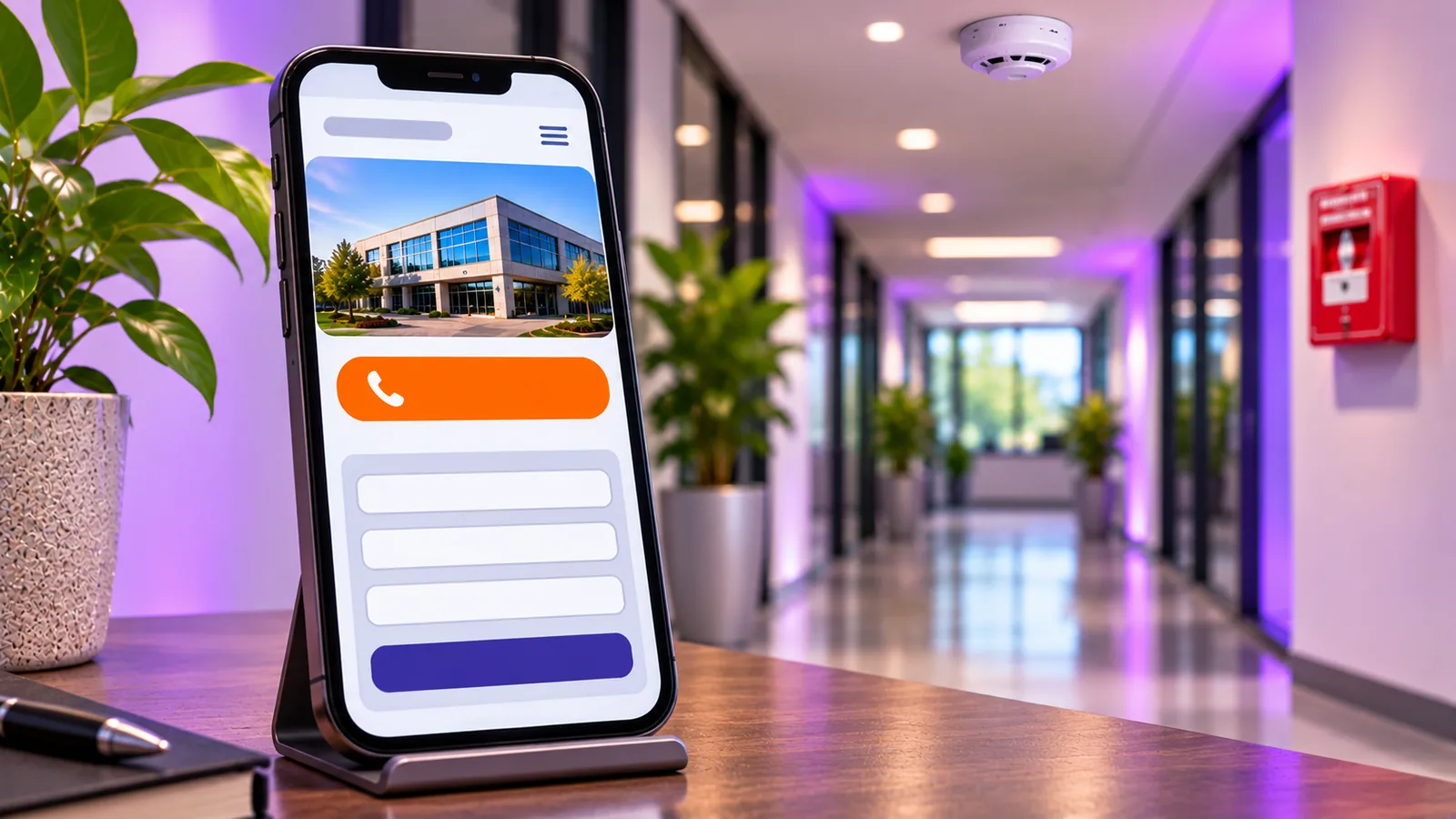
Making Your Fire Alarm Website Work on a Phone
Google primarily indexes the mobile version of most sites, so put a tap-to-call button in the header, keep text readable without zooming, make forms easy with a thumb, and skip pop-ups that cover the page.

Redesign or Fix What You Have
Fix first, unless the site can’t be edited, sits on a platform you don’t control, or is built wrong on every page. Many of the problems that cost calls can be fixed in place.
Send us the site. We’ll send back what’s wrong with it.
One document, no call required, inside two business days. Nothing to sit through first.