
Passing Core Web Vitals Without a Rebuild
Check real-user data first, then fix the usual culprits: a slow server, a hero image the browser finds late, heavy scripts like chat widgets, and anything that shifts as the page loads.
A facility manager is standing in a mechanical room with a panel showing trouble, and she taps the first result on her phone. A huge photo of a fire truck takes its time to appear. Then a banner slides in, the page jumps, and her thumb lands on the wrong link. She backs out and taps the next company.
- Check real-user data in Search Console or PageSpeed Insights before you change anything.
- A slow server and a hero image the browser finds late usually cost more time than the image’s file size.
- Chat widgets and extra tracking scripts are a common reason taps feel sluggish.
- Set sizes for images and banners so the page stops jumping as it loads.
Check real-user data in Search Console or PageSpeed Insights first; small sites often have too little traffic to get any, so fall back on Lighthouse. Then work through the usual culprits: a slow server, a hero image the browser finds late, heavy scripts like chat widgets, and anything that shifts as the page loads. In HTTP Archive’s technology report for September 2026, about 53% of sites passed all three Core Web Vitals on mobile, but only about 48% of WordPress sites did. If your site runs on WordPress, passing puts you ahead of most sites like it. Fix the slowest thing first.
Speed is part of the technical side of our SEO for fire and security contractors, and our SEO playbook for fire alarm companies shows where it fits next to the profile and the pages.
Know the three numbers
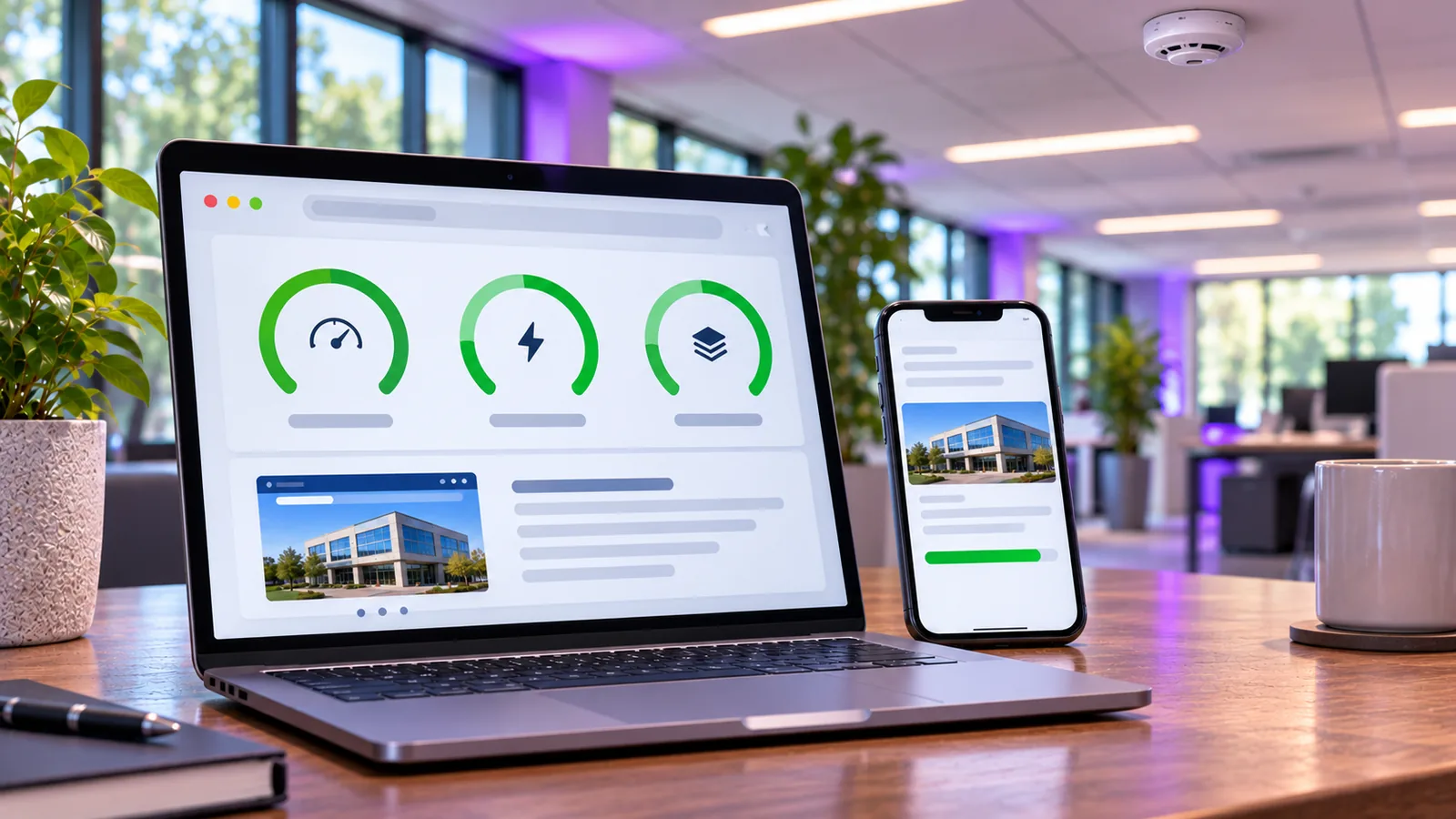
Core Web Vitals are three measurements, and web.dev sets a “good” mark for each one. Largest Contentful Paint is how long the biggest thing on the screen takes to appear; good is 2.5 seconds or less. Interaction to Next Paint is how quickly the page responds when someone taps; good is 200 milliseconds or less. Cumulative Layout Shift is how much the page jumps around as it loads; good is 0.1 or less.
Each one is judged at the 75th percentile of real visits, so most of your visitors have to get a good experience, not just the lucky ones. Interaction to Next Paint replaced an older measure in March 2024, so advice older than that may be out of date.
Measure with real-user data when you have it
The numbers that count come from real Chrome users visiting your site. PageSpeed Insights shows them at the top of its report, and Search Console has a Core Web Vitals report built from the same data. But Chrome only reports on pages and sites that get enough visitors, and Google doesn’t say exactly how many. A small contractor site often gets no field data at all.
If that’s you, use the Lighthouse results lower down in PageSpeed Insights as a guide. They’re a lab test on one simulated phone, so treat them as directions, not a verdict. Fix the slowest thing first.
Make the biggest element show up fast
On many contractor homepages, the biggest element is a photo at the top. The usual instinct is to shrink the file, and that helps, but web.dev’s look at common LCP mistakes found that downloading the image is usually the shortest part of a slow load. The bigger delays come before it: a slow server response, and a browser that finds the image late.
So check two things first. Is the hero image lazy-loaded? It shouldn’t be; lazy loading is for images further down the page, and it makes the browser wait on the one image it needs right away. And how long does your server take to answer? If the first response is slow on every page, better hosting or page caching will help more than any image tool. web.dev’s guide to optimizing Largest Contentful Paint walks through the rest.
A page that loads fast for you on office Wi-Fi can still crawl on a phone in a mechanical room. Measure what your buyers get.
Indigo Tones
Cut the scripts that make taps feel slow
When a page is slow to respond to a tap, the cause is usually JavaScript keeping the browser busy, and much of it is code you didn’t write: chat widgets, extra tracking tags, review carousels, and pop-up tools. web.dev’s guide to optimizing Interaction to Next Paint explains how long tasks block taps.
Go through your plugins and tags and remove anything nobody uses. For a chat widget you want to keep, Google’s Lighthouse documentation suggests loading it behind a lightweight placeholder that pulls in the real thing only when someone clicks.
Stop the page from jumping
Layout shift is the page moving under the visitor’s thumb. web.dev’s guide to Cumulative Layout Shift names the usual causes: images and embeds without set dimensions, content injected after the page starts to load, and web fonts that swap in late.
The fixes are plain. Give every image and video its width and height. Reserve space for any banner or notice bar so it doesn’t push the page down when it arrives. And load your fonts so the text doesn’t reflow once they appear.
Know when a rebuild is the answer
Most sites can pass without starting over. A rebuild makes sense when the fixes above can’t be made: the theme or page builder adds heavy code to every page and can’t be changed, the platform won’t let you control images or scripts, or you don’t own the site at all. If none of that is true, fix what you have.
Do it yourself, or have us do it
Run PageSpeed Insights on your homepage and your inspection page, on mobile. Turn off lazy loading on the hero image, check your server response time, remove unused plugins and tags, and give every image its dimensions. Then check the field data again in a month.
Or hand it off. Site speed is part of our fire alarm company marketing, so request the audit below and we’ll show you which of these is slowing your site down.
Start with your inspection page
Run PageSpeed Insights on your inspection page, on mobile. Note what it names as the largest element and how long the server took to respond. If the hero image is lazy-loaded or the server is slow, you’ve found your first fix. Fix the slowest thing first.
Common questions
Do Core Web Vitals affect rankings?
Yes, but they don’t outrank relevance. Google says its ranking systems use them, and that it still tries to show the most relevant content even when a page’s experience is poor.
Is a score of 100 the goal?
No. The Lighthouse score is a lab test. The goal is passing the three thresholds for real visitors, and Google says good scores alone don’t guarantee top rankings.
Do I need a new site?
Usually not. The common causes (a slow server, a late hero image, heavy scripts, and unsized images) can usually be fixed on the site you have.
Why does my site show no Core Web Vitals data?
Chrome only reports on sites with enough visitors. Use the Lighthouse results in PageSpeed Insights as your guide until real-user data appears.
Keep reading

SEO for Fire Alarm Companies: The Full Playbook
SEO for a fire alarm company works in two places on one screen: the map, which rewards a complete Business Profile and steady reviews, and the results below it, which reward one clear page for each service.

Monitoring, Repair, and Installation Pages: What Goes on Each
Give monitoring, repair, and installation each its own page, with a plain title, what’s included, local proof, a call button after each section, and a short FAQ.

The First 90 Days of SEO: What to Do and What to Watch
Expect early signs in the first 90 days, not a flood of calls: save a baseline, fix the profile and service pages, and watch impressions, then clicks, then calls.
Send us the site. We’ll send back what’s wrong with it.
One document, no call required, inside two business days. Nothing to sit through first.